Introduction
Learn practical ways to protect your online privacy in 2026. Discover password security, privacy settings, phishing protection, and online safety tips.
A few years ago, online privacy was something that only cybersecurity experts talked about. Today, it’s a concern for almost everyone. Every website you visit, every app you install, and every account you create collects some form of personal data.
Most people don’t realize how much information they share online every day. From browsing habits and location data to shopping preferences and email addresses, companies collect valuable information that can be used for advertising, analytics, and other purposes.
The good news is that protecting your privacy doesn’t require advanced technical skills. By following a few practical steps, you can significantly reduce your digital footprint and stay safer online.
This guide explains simple and effective ways to protect your online privacy in 2026.
Why Online Privacy Matters More Than Ever
Many users think they have nothing to hide, but privacy is about more than hiding information.
Your personal data can be used to:
- Track your online behavior
- Build advertising profiles
- Target you with personalized ads
- Increase the risk of identity theft
- Exposing sensitive information after data breaches
Protecting your privacy helps you maintain control over your personal information.
Use Strong and Unique Passwords
One of the biggest mistakes people make is reusing the same password across multiple accounts.
Imagine using one password for:
- Banking
- Social media
- Shopping websites
If one account gets compromised, all other accounts become vulnerable.
A better approach is to create unique passwords for every service.
A strong password should contain:
- Uppercase letters
- Lowercase letters
- Numbers
- Special characters
Longer passwords are generally more secure than short ones.
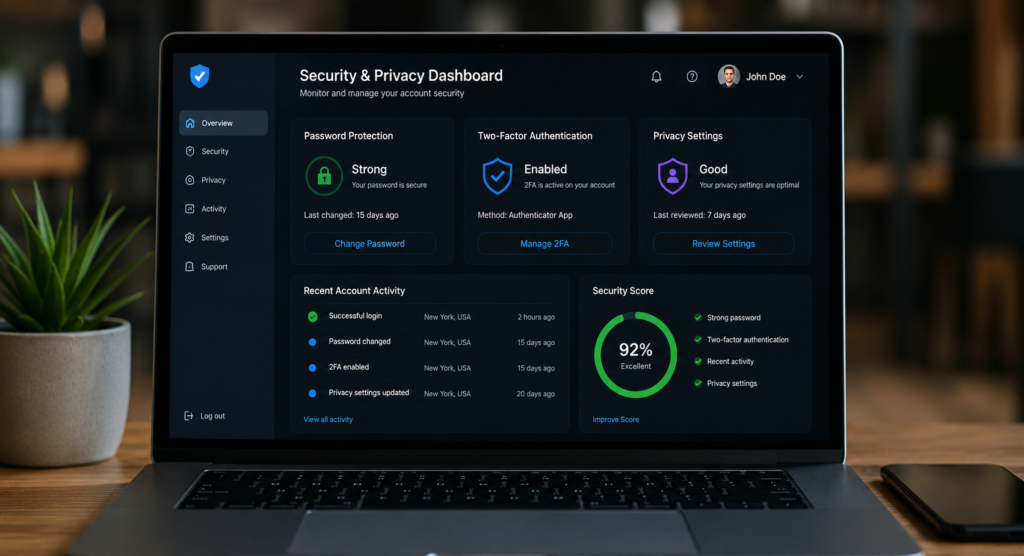
Enable Two-Factor Authentication (2FA)
Even strong passwords can sometimes be stolen.
That’s why two-factor authentication has become essential.
When enabled, logging in requires:
- Your password
- A second verification step
This additional layer of security dramatically reduces the chances of unauthorized access.
Many major platforms now support authentication apps and security keys.
Be Careful with Public WiFi
Public WiFi networks can be convenient, but they can also be risky.
Coffee shops, airports, hotels, and shopping centers often provide free internet access. However, these networks may not always be secure.
When using public WiFi:
- Avoid online banking
- Avoid accessing sensitive accounts
- Use encrypted websites
- Disable automatic connections
If possible, use your mobile data connection for sensitive activities.
Review Privacy Settings Regularly
Most social media platforms collect large amounts of user information.
Many users never review their privacy settings after creating an account.
Take time to check:
- Profile visibility
- Location sharing
- Contact information
- Ad personalization settings
You may be surprised by how much information is publicly available.
Think Before Sharing Personal Information
Not every website needs your phone number, date of birth, or location.
Before entering personal details, ask yourself:
“Does this website really need this information?”
The less information you share, the lower the risk of exposure in the future.
Keep Software Updated
Software updates are often ignored because they seem inconvenient.
However, updates frequently include:
- Security patches
- Bug fixes
- Privacy improvements
Outdated software can leave devices vulnerable to known security issues.
This applies to:
- Smartphones
- Laptops
- Browsers
- Applications
- Smart home devices
Understand Website Permissions
Many websites request permissions for:
- Notifications
- Camera access
- Microphone access
- Location tracking
Always review permissions carefully before approving them.
Only grant access when necessary.
Manage Browser Privacy Settings
Your web browser is one of the most important tools for protecting privacy.
Modern browsers offer features such as:
- Blocking third-party cookies
- Tracking protection
- Enhanced security settings
Taking a few minutes to adjust browser settings can improve privacy significantly.
Be Aware of Phishing Attempts
Cybercriminals continue to use phishing attacks because they remain effective.
A phishing message may:
- Pretend to be from your bank
- Claim your account is locked
- Request urgent action
Always verify messages before clicking links.
If something feels suspicious, visit the official website directly instead of using the provided link.
Protect Your Email Account
Your email account often acts as the key to your digital life.
If someone gains access to your email, they may also gain access to:
- Social media accounts
- Banking accounts
- Shopping platforms
Using a strong password and two-factor authentication for email should be a top priority.
Limit App Permissions on Mobile Devices
Many mobile applications request permissions that are not required for their functionality.
For example:
- A flashlight app doesn’t need your contacts.
- A calculator app doesn’t need your location.
Review permissions regularly and remove unnecessary access.
Use Secure Connections
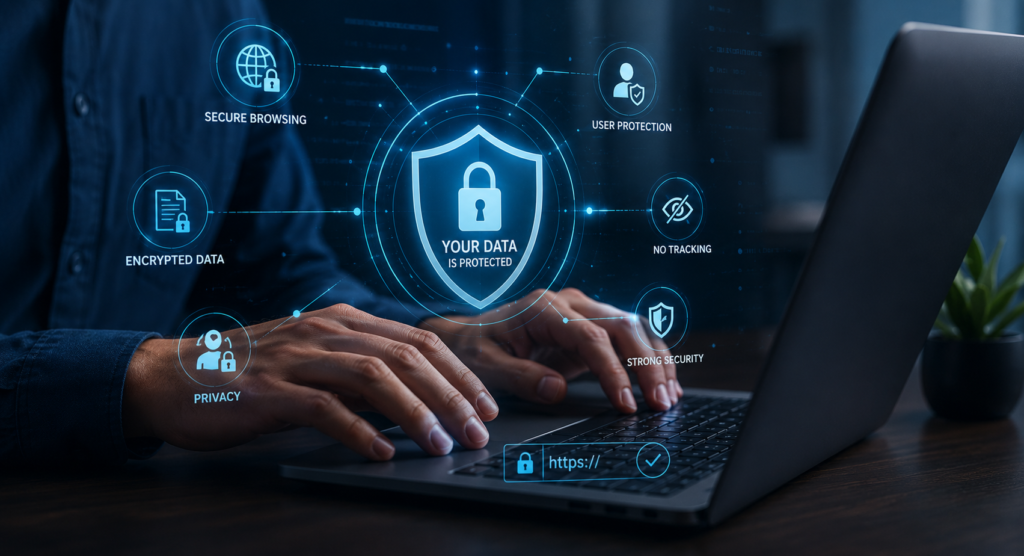
Whenever possible, ensure websites use HTTPS.
Secure connections encrypt data exchanged between your device and the website.
Most modern browsers display a lock icon when a secure connection is active.
This simple indicator helps identify safer websites.
Common Privacy Mistakes to Avoid
Many privacy issues happen because of simple mistakes.
Avoid:
- Using weak passwords
- Clicking suspicious links
- Sharing too much personal information
- Ignoring software updates
- Using the same password everywhere
Small habits can have a big impact on your security.
Frequently Asked Questions
Is online privacy still possible in 2026?
Yes. While complete privacy is difficult to achieve, you can greatly reduce tracking and data collection by following good security practices.
How often should I change my passwords?
Only when necessary, but ensure every important account uses a strong, unique password.
Is public WiFi dangerous?
Public WiFi can be risky if used carelessly, especially for sensitive activities.
What’s the most important privacy tip?
Using strong passwords combined with two-factor authentication provides one of the biggest security improvements.
Conclusion
Online privacy is no longer something that only experts should worry about.
Every internet user benefits from protecting personal information and reducing unnecessary exposure.
Simple actions such as using strong passwords, enabling two-factor authentication, reviewing privacy settings, and staying alert to phishing attempts can dramatically improve your online security.
The internet will continue to evolve, but good privacy habits will remain valuable for years to come.
Advanced Privacy Tips
Check Data Breaches Regularly
Monitor whether your accounts appear in known data breaches.
Remove Old Accounts
Delete unused accounts that still store personal information.
Review Connected Devices
Regularly check which devices have access to your accounts.
Limit Social Media Exposure
Share less publicly and review older posts occasionally.
Monitor Login Activity
Most major platforms allow you to view recent login activity for added security.
Internal Link Ideas
- Best VPN for Fast & Secure Internet
- How to Improve WiFi Signal Strength at Home
- Best Internet Providers in USA 2026
- How to Improve WiFi Signal Strength at Home